Last updated: February 2026
Scalable Backend Hosting
for Web Apps
Definition: Scalable backend hosting is infrastructure that breathes. It automatically adjusts compute power, storage, and networking in real-time based on demand—so you get peak performance and availability without manually provisioning servers. It's ideal for web apps, startups, and teams who want to launch faster, reduce ops burden, and focus on their product instead of infrastructure.

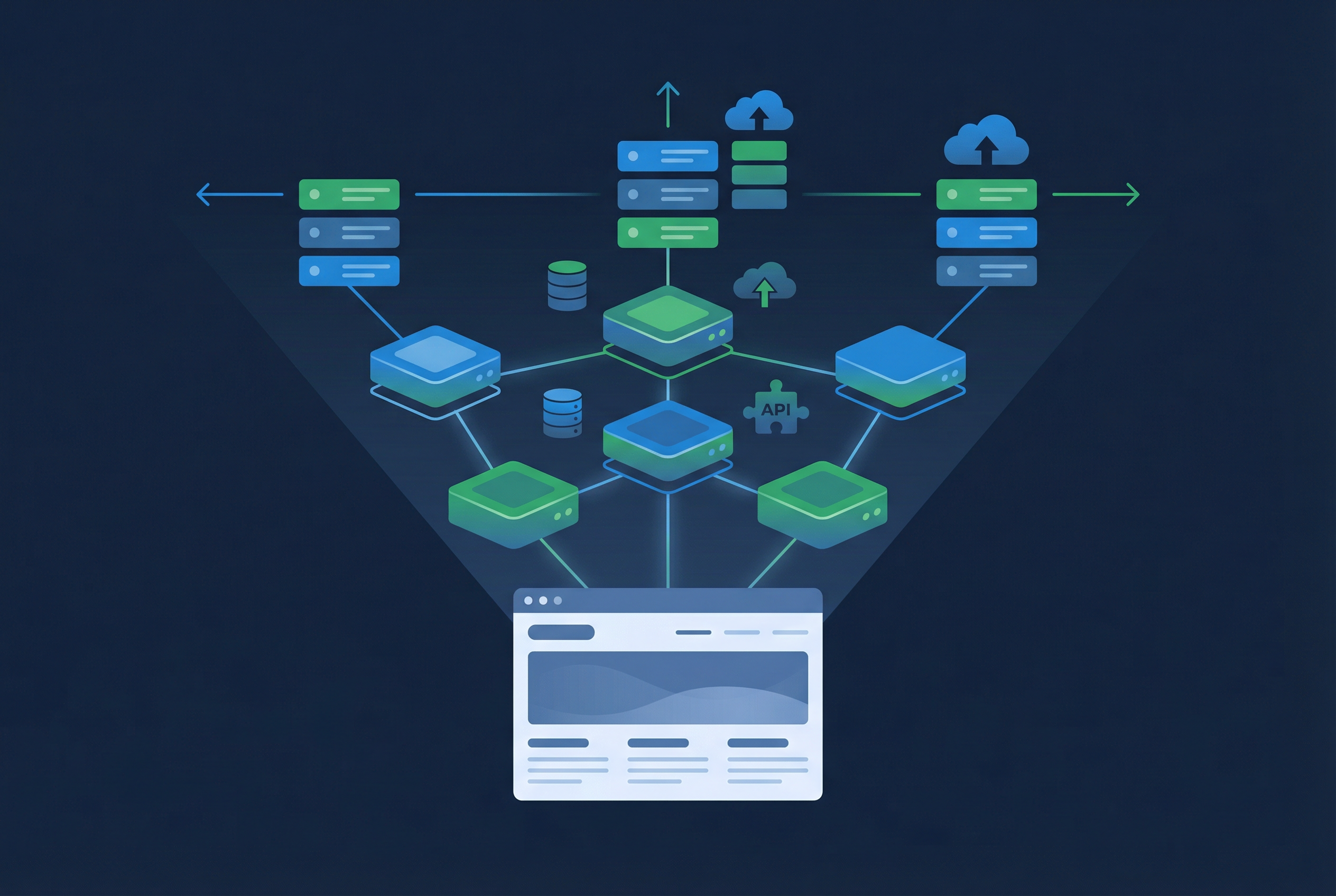

At its core, scalable backend hosting is infrastructure that breathes. It automatically adjusts compute power, storage, and networking in real-time based on demand. The goal is simple: maintain peak performance and 100% availability without a human developer having to manually "turn knobs" or provision servers in the middle of the night.
Key Takeaways
- Scalable backend hosting means infrastructure that adjusts to traffic automatically — high availability and performance without manual capacity planning or server ops.
- Building your own backend (EC2, VPS, K8s) requires provisioning, databases, auth, scaling, backups, and 24/7 operations — costly in time and money before you ship.
- BaaS gives you a ready-made backend (database, REST/GraphQL, auth, cloud functions).
The "Ops Tax": The Hidden Cost of DIY
Building and hosting your own backend—whether on EC2, a VPS, or a complex Kubernetes cluster—comes with a heavy "Operations Tax." Before you even write your first line of business logic, you are responsible for:
- Infrastructure: Provisioning servers, configuring load balancers (distributing traffic across instances so no single server is overwhelmed), and managing networking.
- Database Management: Handling backups, replication, failover, indexing, and query optimization. Database bottlenecks are the #1 scaling problem — a single slow query can drag an entire app down.
- Caching & CDN: Setting up in-memory caches (Redis, Memcached) to reduce database load and CDNs (Cloudflare, CloudFront) to serve static assets from edge locations. Without caching, every request hits the database — unsustainable at scale.
- Security: Patching OS vulnerabilities, managing firewalls, and building stateless API authentication (JWT, OAuth 2.0) so sessions don't block horizontal scaling.
- Monitoring & Observability: Setting up Prometheus, Grafana, Datadog, or similar for metrics, alerts, logging, and distributed tracing. Without monitoring, you won't know your backend is failing until users report it.
- Logic & Plumbing: Building authentication, API structures, background workers, and message queues from scratch.
This DIY approach pulls engineers away from the product and burns through your budget before you've even onboarded your first user. A Backend as a Service (BaaS) eliminates this tax by providing the backend as a managed platform.
Approaches to Scaling: Vertical and Horizontal
There are two fundamental ways to scale a backend:
Vertical Scaling
Add more CPU, RAM, or storage to a single server. Simple but has a ceiling — one machine can only grow so large, and it's a single point of failure.
Horizontal Scaling
Add more servers and distribute the load with a load balancer. More resilient and theoretically unlimited — but requires stateless API design, session management, and orchestration.
With DIY infrastructure (IaaS), you choose between vertical and horizontal scaling and manage it yourself. Higher abstraction levels — PaaS and BaaS — shift more of that work to the platform, as the next section explains.
Abstraction Levels
Cloud offerings sit at different levels of abstraction:
- IaaS (Infrastructure as a Service) gives you raw compute and networking — you build and manage everything on top.
- PaaS (Platform as a Service) lets you deploy your application code while the platform handles runtimes, scaling, and often add-ons like databases.
- BaaS (Backend as a Service) provides the backend itself — database, APIs, auth, and cloud functions — so you don't write or host server-side code.
Each step reduces ops and gets you to production faster.


The table below shows how each level compares across infrastructure, application, and operations. Use it to see at a glance what you manage yourself versus what the platform provides — and why moving right (toward BaaS) typically means less ops and faster shipping.
| Category | Aspect | IaaS | PaaS | BaaS |
|---|---|---|---|---|
| Infrastructure | Compute / servers | You provision and manage VMs, instances, or bare metal | Platform provides runtime; you deploy app code | No servers; backend is the service |
| Infrastructure | Networking | You configure VPCs, load balancers, DNS | Managed by platform; you may set env vars / domains | Fully managed; APIs and CDN included |
| Infrastructure | Scaling | You configure auto-scaling groups, metrics, alarms | Platform scales your app; you may set limits | Autoscaling and HA built in; no config |
| Application | Backend code | You write and host all server-side code | You write backend code; platform runs it | No backend code required; optional Cloud Code |
| Application | Database | You install, configure, back up, scale DB | You can use managed DB add-ons or self-manage | Managed DB with REST/GraphQL APIs included |
| Application | Authentication | You build or integrate (e.g. Auth0) | You implement auth in your app or use add-ons | Built-in users, sessions, roles, ACLs, MFA |
| Application | APIs | You build and host API servers | You build APIs as part of your app | Auto-generated REST + GraphQL; optional Cloud Code |
| Ops | Deployment | You set up CI/CD, containers, orchestration | Git push or CLI deploy; platform builds/runs | Dashboard/CLI; optional Containers for custom code |
| Ops | Monitoring & logging | You set up Prometheus, Grafana, alerting | Platform provides logs/metrics; you may add tools | Dashboard with logs, metrics, support |
| Ops | Security & compliance | You patch OS, manage firewalls, certifications | Platform handles infra security; you secure app | Encryption, ACLs, SOC 2, HIPAA, GDPR options |
Tip: Tip: Use search to find specific topics (e.g. "database", "auth"). Use the category filter to show only Infrastructure, Application, or Ops rows.
Common Challenges in Scalable Backend Hosting
Building and running your own backend infrastructure is complex. Here are the problems teams face.
Infrastructure management
Provisioning compute instances, networking, and security patches. Requires DevOps expertise and tools like Terraform or CloudFormation.
Load balancing and autoscaling
A load balancer distributes traffic across servers (round robin, least connections, weighted). You configure thresholds, health checks, and ASG/Kubernetes HPA — or use NGINX, HAProxy, or AWS ELB and tune them yourself.
Databases: indexing, sharding, replication
Databases are the #1 scaling bottleneck. You handle indexing (fast lookups), sharding (splitting data across servers), replication (read replicas), backups, and failover. A single slow query can drag down the entire app.
Caching and CDN
In-memory caching (Redis, Memcached) reduces database load; CDNs (Cloudflare, CloudFront) serve static assets from edge locations. Without caching, every request hits the database — unsustainable at scale.
Monitoring and observability
Real-time metrics (CPU, memory, latency), alerting, structured logging, and distributed tracing. You set up Prometheus, Grafana, Datadog, or similar — and someone is on-call when things break.
Background processing
Workers, queues, cron jobs. You add Celery, Sidekiq, Bull, or Redis Streams and manage their lifecycle.
CI/CD and deployment
Zero-downtime deploys, rollbacks, health checks, and secrets management. You build pipelines with GitHub Actions, Jenkins, or similar.
Security and compliance
OS and dependency patching, firewalls, TLS, and access control. For regulated workloads you need SOC 2, HIPAA, GDPR, or ISO certifications — each requires documented controls and audits.
Backups
Scheduling backups, testing restores, and defining RPO/RTO. You configure snapshot or continuous backup for databases and critical state, and verify that recovery actually works.
What to Look for in a Scalable Backend Platform
Autoscaling and load balancing
Compute and data resources scale with load — requests, connections, storage — with built-in load balancing and no manual config.
High availability
Redundancy and failover so your app stays online even if hardware fails.
Managed data layer
Database with backups, replication, indexing, and query optimization — no DB ops on your end.
Caching and CDN
Built-in caching and content delivery network to reduce latency, offload the database, and serve assets from edge locations worldwide.
APIs and SDKs
Access data and auth from any frontend (web, mobile, IoT) via stateless REST/GraphQL APIs — no API server to host.
Serverless or custom logic
Webhooks, jobs, and integrations without managing servers — or optional container deployment for custom runtimes.
Monitoring and logging
Dashboard with metrics, logs, and alerts so you can observe performance without setting up Prometheus or Datadog yourself.
Security and compliance
Encryption, access control, and certifications (SOC 2, HIPAA, GDPR) where needed.
Developer experience
Dashboard, CLI, clear docs, and quick start. Fast iteration and easy troubleshooting.
Predictable pricing
Clear pricing model with a free tier so you can start without risk.
How Back4App Delivers Scalable Backend Hosting
Backend building blocks as a service — plus optional container deployment for custom code.
Backend as a Service
You don't deploy a backend app — you get database, auth, REST/GraphQL APIs, file storage, and optional Cloud Code. Scale is built into the platform from day one.
Managed database and APIs
MongoDB by default (PostgreSQL on request), auto-generated REST and GraphQL APIs, LiveQuery for real-time, indexing, backups, and replication. No database ops.
Authentication and security
Built-in users, sessions, roles, ACLs, and MFA. Compliance certifications (SOC 2, HIPAA, GDPR) as part of the service.
Cloud Code (serverless logic)
Run triggers, scheduled jobs, and HTTP endpoints without servers. Covers many worker and queue use cases without adding infrastructure.
Autoscaling, load balancing, and CDN
Infrastructure scales with traffic automatically — load balancing, caching, and CDN included. No capacity planning, no manual intervention. High availability and redundancy built in.
Developer experience
Dashboard to create apps, manage data, and view logs. CLI for deploys and operations.
AI Tools
AI Agent and MCP (Model Context Protocol) integration for IDE-driven backend development. Build and manage your Back4App backend from your editor with natural language and structured context.
Web Deployment
Run your own app (Node, Python, Go, or any Docker image) in Back4App Containers. Your containerized app connects to the same BaaS backend — database, auth, and APIs — so you get a custom runtime without managing infrastructure.
Use Cases: Scalable Backends with Back4App
From single-page applications (SPAs) to containerized services — one scalable backend for every architecture.
Web apps (SPAs, SSR)
Frontend (React, Next.js, Vue, etc.) calls Back4App REST/GraphQL + auth. No backend server to host or scale.
Mobile apps
Same backend for iOS, Android, and cross-platform. SDKs, push notifications, real-time sync, and offline support.
MVPs and startups
Scale from zero users without building infrastructure. Launch in minutes, iterate fast, pay only for what you use.
Internal tools and dashboards
Auth, roles, and data APIs without standing up servers or databases. Admin panel included.
Real-time and collaboration
LiveQuery for instant data sync. Build chat, live feeds, and collaborative tools without managing WebSockets.
Custom app in containers
Run Node, Python, Go, or any Docker image in Back4App Containers. Use BaaS for database, auth, and APIs.
Example: Scalable Backend with Back4App
Create an app in the dashboard, get your Application ID and JavaScript key, then connect any frontend. No servers to deploy — the backend scales automatically.
In your Node.js, Next.js, or React app, install the Back4app SDK and initialize it with your Back4App credentials. The example below queries a class (e.g. Task) via the auto-generated REST API. Auth, real-time, and file storage work the same way — all backed by the same scalable infrastructure.
const Parse = require('parse/node');
// Or in browser: <script src="https://unpkg.com/parse/dist/parse.min.js"></script>

Parse.initialize('YOUR_APP_ID', 'YOUR_JS_KEY');
Parse.serverURL = 'https://parseapi.back4app.com';

async function getTasks() {
  const query = new Parse.Query('Task');
  query.limit(10);
  const results = await query.find();
  return results.map(r => r.toJSON());
}
Why Choose Back4App for Scalable Backend Hosting
- No servers to manage — backend is provided as a service (BaaS)
- Autoscaling and high availability included on all plans
- Database, REST/GraphQL APIs, auth, and file storage out of the box
- Cloud Code for custom logic without managing workers or queues
- Containers (CaaS) — deploy your own code and use BaaS as the backend
- Dashboard, CLI, and optional AI Agent / MCP for IDE-driven development
- Predictable subscription pricing with a generous free tier
- SOC 2, ISO 27001, HIPAA, and GDPR compliance where applicable
- Open-source Parse Server at the core — portability and no vendor lock-in
- Enterprise plans with dedicated clusters, custom SLAs, and on-premises options
Back4App vs. Your Own Servers
See how a managed BaaS (with optional Containers) compares to building and running your own server infrastructure.
| Aspect | Your Own Servers | Back4App (BaaS + Containers) |
|---|---|---|
| Provisioning | You create instances, load balancers, and networking | Create apps/containers from dashboard or CLI |
| Database | You install, configure, back up, and scale | Managed DB with REST/GraphQL, backups, and scaling |
| Authentication | You build or integrate (e.g. Auth0) | Built-in users, sessions, roles, ACLs, MFA |
| APIs | You build and host API servers | Auto-generated REST + GraphQL; optional Cloud Code |
| Scaling | You configure ASG, load balancers, and metrics | Autoscaling and high availability managed by platform |
| Background jobs | You run workers, queues, and cron | Cloud Code jobs/triggers; or your code in Containers |
| Deploying your code | You set up CI/CD, containers, and app servers | Optional: deploy in Back4App Containers; BaaS as backend |
| Containers / custom runtime | You manage orchestration (e.g. Kubernetes) | Optional Containers (CaaS); same BaaS backend |
| Caching & CDN | You configure Redis/Memcached and a CDN | Built-in CDN and caching; no setup required |
| Monitoring & logging | You set up Prometheus, Grafana, alerting, on-call | Dashboard with logs, metrics, and support options |
| Cost model | Infrastructure cost + your engineering time | Subscription plans; free tier and predictable pricing |
Frequently Asked Questions
Common questions about scalable backend hosting with Back4App.
What is scalable backend hosting?
How is BaaS different from running my own servers?
What is the difference between vertical and horizontal scaling?
What is load balancing and why does it matter?
How does caching improve backend performance?
What is the difference between BaaS, PaaS, and IaaS?
Should startups worry about backend scalability from day one?
Scale your backend. Skip the ops.
Get databases, APIs, auth, and optional container hosting — with autoscaling and high availability included.