Last updated: March 2026
What is a Low-Code Backend?
Definition: A low-code backend is a platform that provides managed databases, auto-generated APIs, authentication, and workflow automation with minimal hand-written code. It lets developers skip repetitive boilerplate and focus on product logic—while retaining escape hatches for custom code when needed.

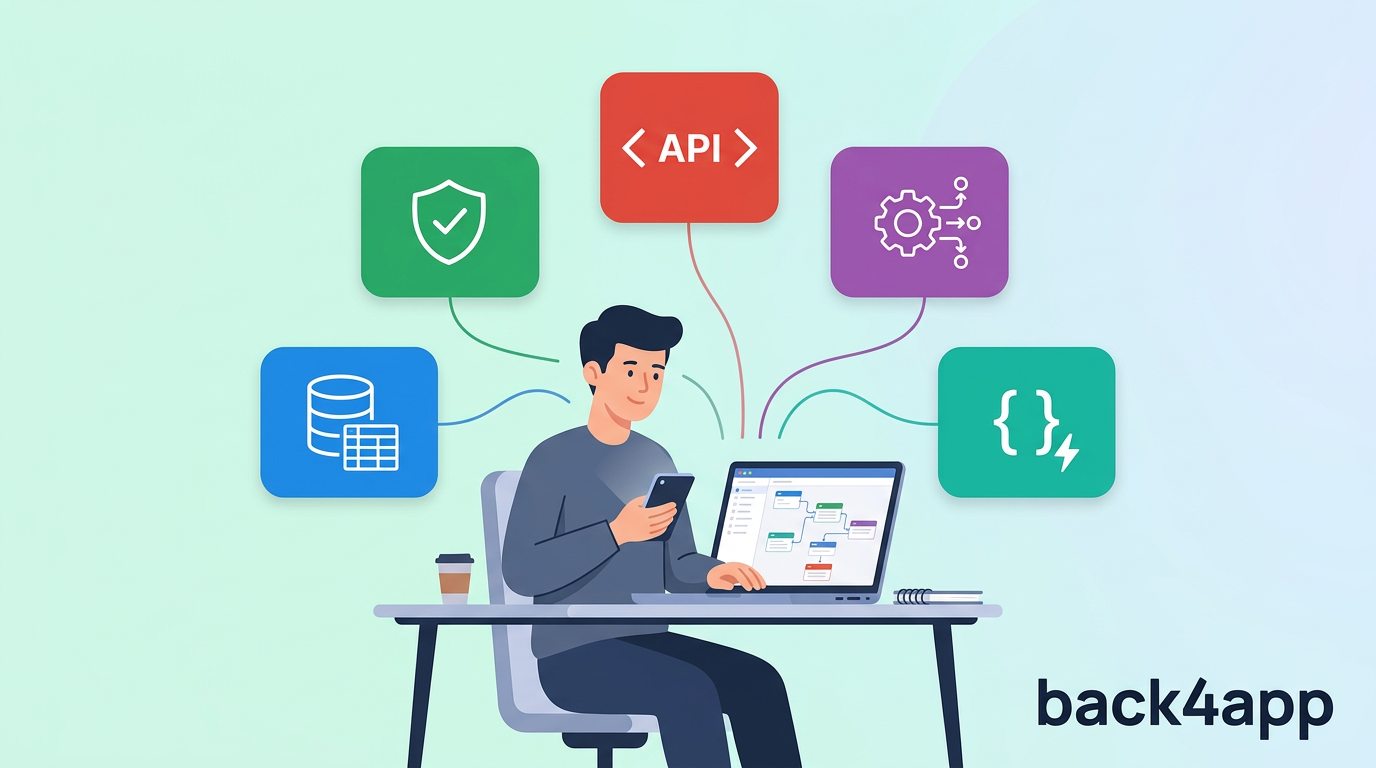
Low-code backend development replaces the manual work of provisioning servers, writing API routes, configuring authentication, and managing databases with a platform that handles these layers for you.
You define your data model visually, and the platform generates REST and GraphQL APIs, client SDKs, and security rules automatically. When your requirements go beyond what configuration can express, you drop into Cloud Functions, custom containers, or raw queries.
Many low-code backends are a style of delivering Backend as a Service (BaaS) capabilities—database, auth, APIs—without requiring you to build and operate those layers from scratch.
This approach accelerates time-to-market, reduces the need for dedicated backend engineers, and lets teams iterate faster—making it the standard for startups, MVPs, and product-led engineering teams.
How Does a Low-Code Backend Work?
A low-code backend sits between your frontend applications and managed cloud infrastructure. You interact with a visual dashboard and configuration layer rather than writing server code line by line.
The platform translates your schema definitions into a live database, generates API endpoints, and enforces access rules—all without manual DevOps.
When your business logic exceeds what visual tools can express, you write focused functions or deploy containers. The platform manages the runtime, scaling, and security around them.
Three steps from idea to production
Model Your Data
Define your schema visually—classes, fields, types, and relations—and the platform generates your database and APIs automatically.
Add Logic & Integrations
Configure triggers and workflows. Write Cloud Functions for custom business logic. Connect third-party APIs via webhooks—code only where needed.
Ship & Scale
Deploy to managed infrastructure. The platform handles scaling, backups, and security patches—so you can focus entirely on your product.
Core Capabilities of a Low-Code Backend
Everything you need to build production backends, with minimal boilerplate.
Visual Data Modeling
Design schemas, set types, and define relations without writing DDL.
Auto-Generated APIs
REST and GraphQL endpoints generated automatically from your data model.
Workflows & Triggers
Database triggers, scheduled jobs, and event-driven automations.
Authentication & Permissions
Email, social login, roles, and object-level access control built in.
Integrations & Webhooks
Connect third-party services, payment gateways, and external APIs.
File & Media Storage
Upload, store, and serve files through a managed CDN.
Escape Hatches
Cloud Functions, custom containers, and raw database access when you need full control.
AI Agent & MCP
Let AI coding agents manage your backend via Model Context Protocol.
Why Use a Low-Code Backend?
Skip the boilerplate. Keep the control. Ship faster.
Ship in Days, Not Months
Auto-generated APIs, managed databases, and built-in auth let you skip weeks of boilerplate and launch faster.
Lower Backend Costs
Eliminate the need for dedicated backend engineers and DevOps for standard CRUD and auth workloads.
Built-in Security
Managed TLS, encryption at rest, RBAC, and object-level permissions—without configuring them yourself.
Scale Without Re-Architecture
The platform handles scaling, replicas, and load balancing. Go from 100 to 1M users without changing your code.
Zero Infrastructure Ops
No servers to patch, no databases to tune, no SSL certs to rotate. Focus on product, not operations.
Full Control When Needed
Unlike no-code, low-code backends offer escape hatches—custom functions, containers, and raw queries.
Common Low-Code Backend Use Cases
Low-code backends are ideal for any project where the backend is primarily data, auth, and APIs.
MVPs & Prototypes
Validate product ideas in days. Ship a working backend without hiring a backend team.
Internal Tools
Build admin panels, dashboards, and approval workflows with secure auth and role-based access.
Mobile & Web Apps
Power iOS, Android, and web frontends with a shared backend—real-time sync, push, and offline support.
CRUD & Workflow Apps
Data-heavy applications with forms, tables, approval chains, and status-driven automation.
SaaS Products
Multi-tenant architectures with user management, subscriptions, and data isolation.
Customer & Partner Portals
Secure, self-service portals where external users view data, submit requests, or manage accounts.
Low-Code Backend vs. Building from Scratch
See how a low-code approach compares to traditional backend development.
| Aspect | Low-Code Backend | Custom Backend |
|---|---|---|
| Time to Launch | Days / Weeks | Months |
| Upfront Cost | Low (pay-as-you-go) | High (team + infra) |
| Backend Expertise | Minimal | Extensive |
| Change Velocity | Schema change → API update instantly | Code, test, deploy cycle |
| Scalability | Managed & automatic | Manual configuration |
| Operational Burden | Near-zero | Your responsibility |
Low-Code Backend vs. No-Code Backend
Both reduce manual work, but they target different users and use cases.
| Dimension | Low-Code | No-Code |
|---|---|---|
| Target User | Developers & technical PMs | Non-technical builders |
| Custom Code | Yes—functions, containers, raw queries | None or very limited |
| Logic Complexity | Arbitrary (code escape hatches) | Constrained to visual builder |
| Integration Depth | Deep (webhooks, middleware, SDKs) | Pre-built connectors only |
| Scalability | Production-grade | Varies; may hit ceilings |
| Data Portability | Export, self-host, migrate | Often limited |
Decision Matrix: Low-Code or Custom Backend?
Use this framework to decide which approach fits your project.
Choose Low-Code When…
- You need to launch an MVP or internal tool quickly
- Your backend is primarily CRUD, auth, and API delivery
- Your team is small or frontend-heavy
- You want managed scaling without a DevOps hire
- Budget is limited and you need predictable costs
Build Custom When…
- You need proprietary algorithms or heavy data processing
- Full infrastructure control is a regulatory requirement
- Your backend IS the product (infrastructure company)
- You have a dedicated platform engineering team
- Extreme scale makes per-request pricing prohibitive
Limitations & Trade-offs
Understanding these trade-offs will help you set realistic expectations.
Vendor Lock-in
Proprietary platforms can make migration painful. Choose open-source solutions like Back4app (Parse Server) for full data portability.
Cost at Extreme Scale
Per-request pricing can exceed self-managed infrastructure costs at very high volumes. Evaluate break-even points early.
Customization Ceilings
Visual tools cover 80% of use cases. The remaining 20% requires custom code—make sure your platform offers clean escape hatches.
Debugging Visibility
Abstracted infrastructure can make root-cause analysis harder. Prioritize platforms with robust logging and monitoring.
Governance & Change Control
Visual schema changes are fast—sometimes too fast. Establish staging environments and review workflows for production changes.
Compliance Constraints
Some regulations require on-premise hosting or specific certifications. Verify your chosen platform meets your compliance needs.
How to Choose a Low-Code Backend Platform
Evaluate platforms against these criteria to find the right fit.
Open-Source vs. Proprietary
Open-source platforms let you self-host, audit the code, and avoid lock-in. Back4app is built on open-source Parse Server.
Escape Hatches
Can you write custom functions, deploy containers, or execute raw queries when visual tools are not enough?
Data Portability & Export
Can you export all data at any time? Can you run the same platform on your own infrastructure if needed?
Pricing Predictability
Understand per-request, per-seat, and bandwidth costs. Watch for hidden overages on storage and egress.
Auth & Security Model
Look for RBAC, object-level permissions, managed encryption, and compliance certifications (SOC 2, HIPAA, GDPR).
Community & Documentation
Strong docs, active forums, and responsive support accelerate development and unblock edge cases.
Top 5 Low-Code Backend Platforms (2026)
Compare the leading platforms to find the best fit for your project.
Back4app
Best for AI-Native Development & Open-Source Flexibility
Xano
Best for Visual API Development
Backendless
Best for Codeless Workflow Automation
Supabase
Best for SQL-First Developers
Directual
Best for Visual Workflow Backends
See how these platforms compare across key features
| Feature | Back4appFeatured | Xano | Backendless | Supabase | Directual |
|---|---|---|---|---|---|
| Approach | BaaS + CaaS | Visual API Builder | Visual BaaS | Postgres BaaS | Workflow Backend |
| Open Source | |||||
| Free Tier | Free Trial | ||||
| Custom Code | |||||
| Real-time | |||||
| AI Agent / MCP |
Every platform listed here is a strong option. The right choice depends on your stack, team, and the complexity of your backend requirements.
Frequently Asked Questions
Common questions about low-code backend platforms.
What is a low-code backend?
What is the difference between a low-code backend and a no-code backend?
Is a low-code backend the same as a BaaS?
Can I use a low-code backend for production applications?
What types of apps can I build with a low-code backend?
How much does a low-code backend cost?
Can I add custom code to a low-code backend?
How do I migrate away from a low-code backend?
Are low-code backends secure?
Can AI agents interact with a low-code backend?
Ready to Build Your Backend?
Start your low-code backend in minutes. No credit card required.
Disclosure: This guide is published by Back4App, one of the platforms featured in this comparison. All platforms listed are established leaders in the Low Code space, and there is no single “best” option — the right choice is ultimately subjective and depends on your project requirements, budget, and the technical preferences of your team. Although we made every effort to ensure accuracy using publicly available documentation and pricing, details may have changed since publication or may not be fully accurate. We recommend verifying information on each vendor’s official website before making a final decision.